- C++ 44.9%
- QML 31.7%
- NSIS 17%
- CMake 4.2%
- Python 2.2%
| Filename | Latest commit message | Latest commit date |
|---|---|---|
|
|
||
| CMake | ||
| cplusplus | ||
| icons | ||
| img | ||
| lang | ||
| misc | ||
| qml | ||
| windows | ||
| .gitlab-ci.yml | ||
| CHANGELOG | ||
| CMakeLists.txt | ||
| CODE_OF_CONDUCT.md | ||
| CONTRIBUTING.md | ||
| COPYING | ||
| DONATIONS.md | ||
| INSTALL | ||
| INSTALL.md | ||
| org.previewqt.PreviewQt.metainfo.xml | ||
| README | ||
| README.md | ||

PreviewQt
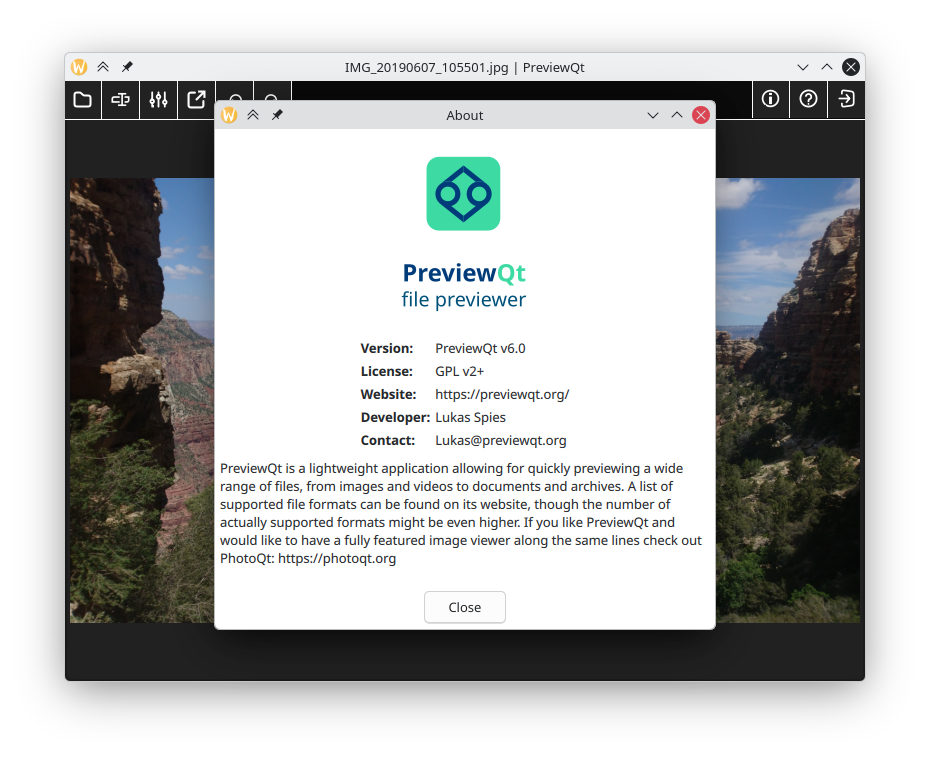
PreviewQt is a simple applications that allows you to preview all kinds of files, from images to videos, from documents to archives, and beyond. It is based on Qt/QML, published as open-source, and completely free.
Visit its official website at https://previewqt.org/
Features
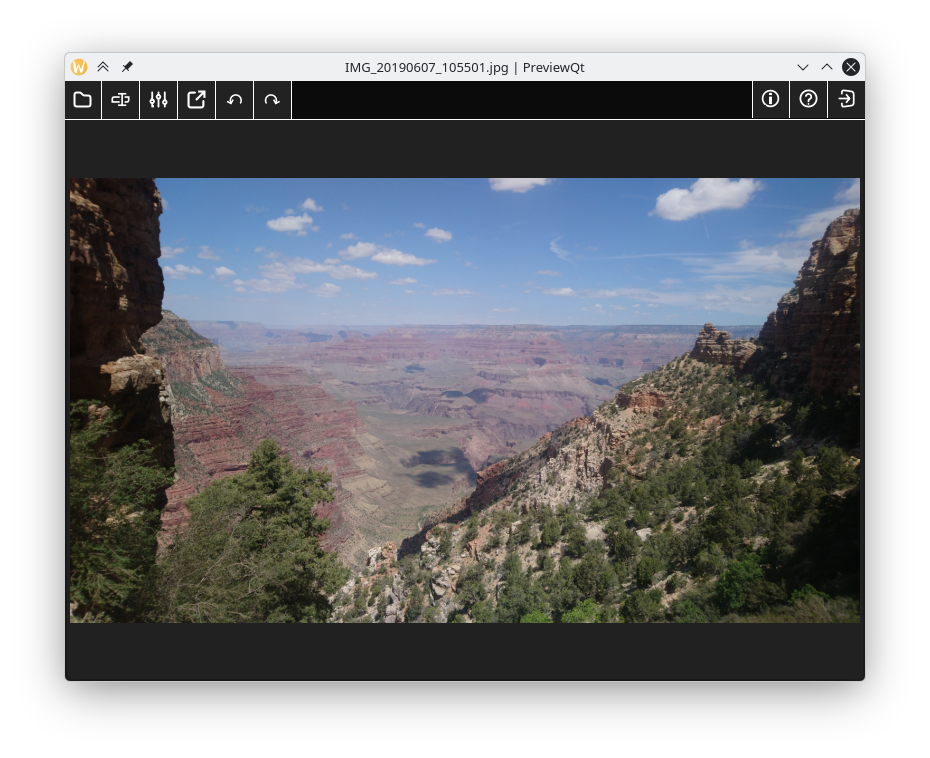
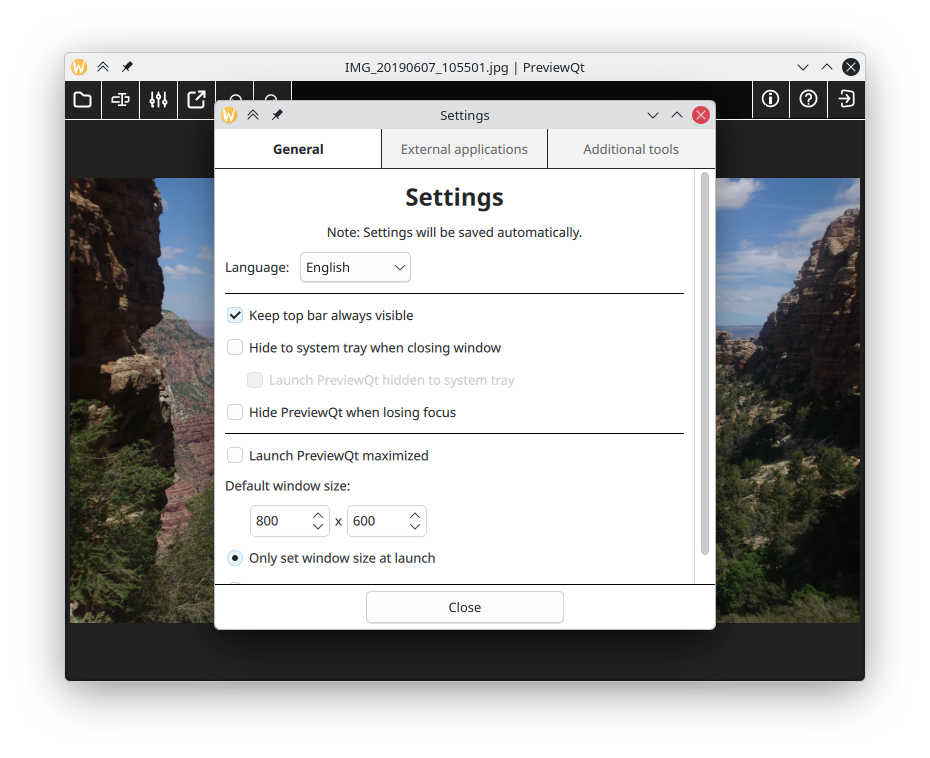
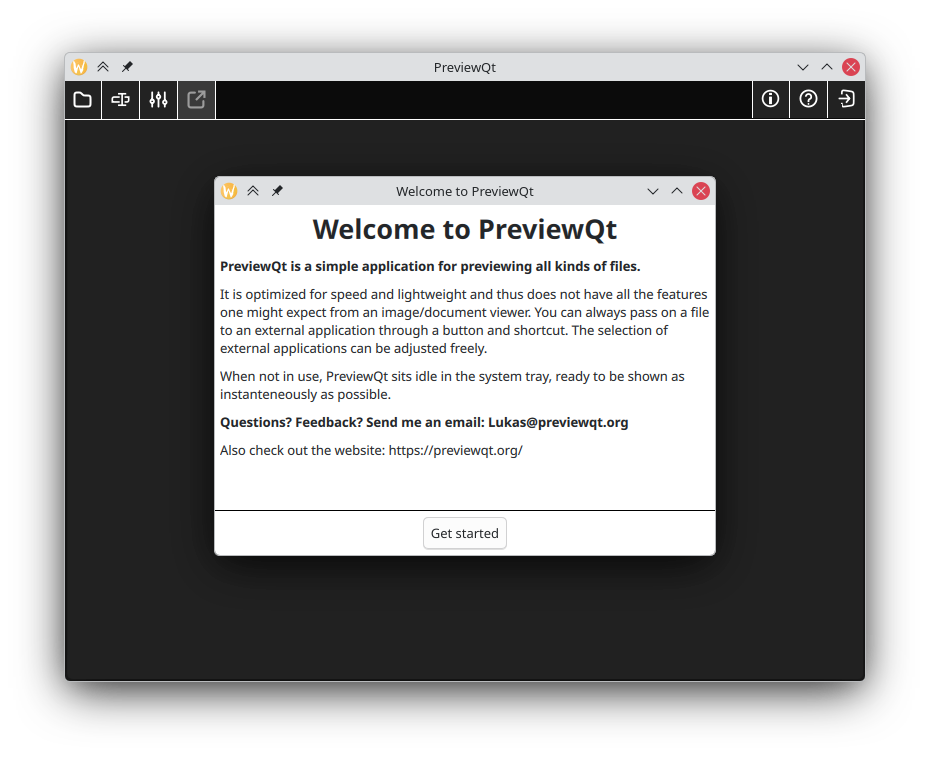
PreviewQt is a very simple application for previewing a wide range of files. Its main aim is on speed, striving to provide a preview as instanteneously as possible. It tries to achieve this by being very lightweight and by the ability to sit idly in the background ready to show whatever is thrown at it.
Supported file formats include:
- Images: more than 140 formats, including photo spheres, panoramas, and motion photos
- Video/Audio: all common formats
- Documents: PDF and office documents, including page navigation
- Archives: All common compressed archives (zip, etc.) by loading any supported file contained within
- Comic Books, including page navigation
- E-Books (epub), including page navigation and remembering where you left off
- Text files, including syntax highlighting and prettifying output for certain formats
- Windows DLL/EXE: Information about these files, including any embedded version information
- PhotoQt: Information about PhotoQt's backup and extension files
- MuseScore: Rendering score sheets including page navigation
- ICC color profiles: display information about color profiles including gammut plots
- Packages: Display information about DEB and RPM packages including AppImage files
- SQLite database files: Show structure and meta information about sqlite database files
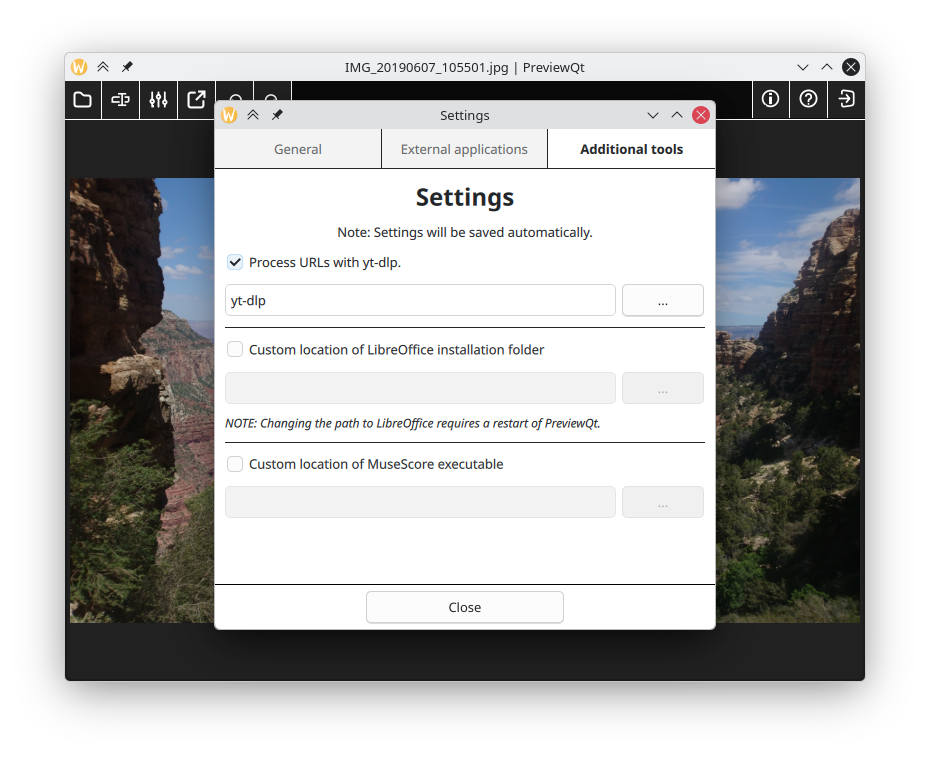
- URL: Support for loading Websites (both local and remote), including pre-processing with yt-dlp for directly streaming contained media
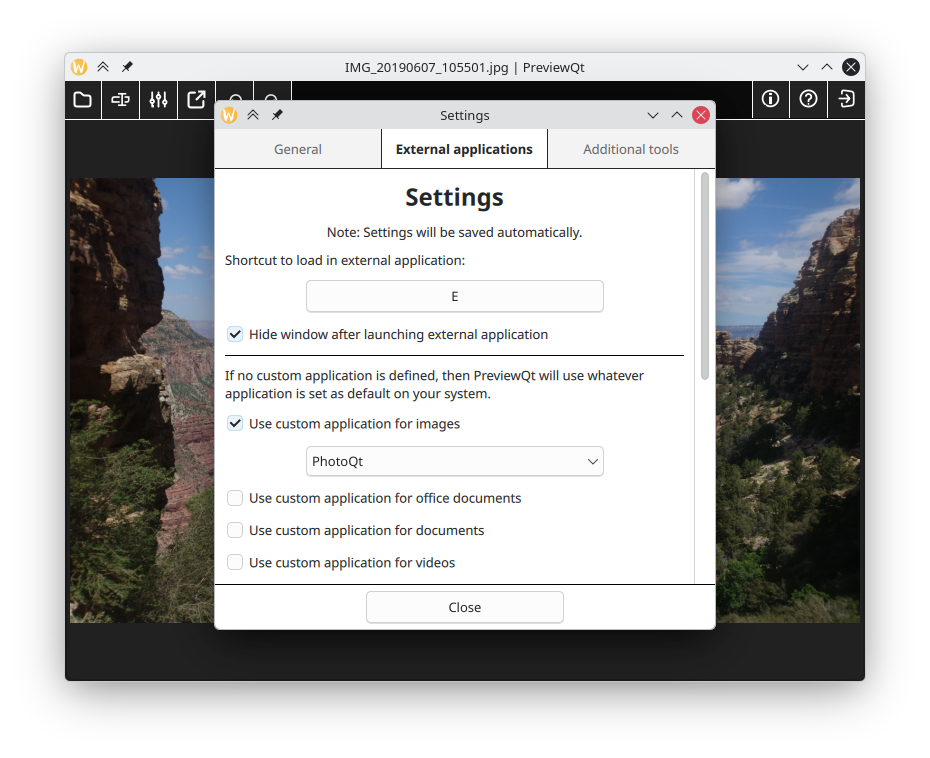
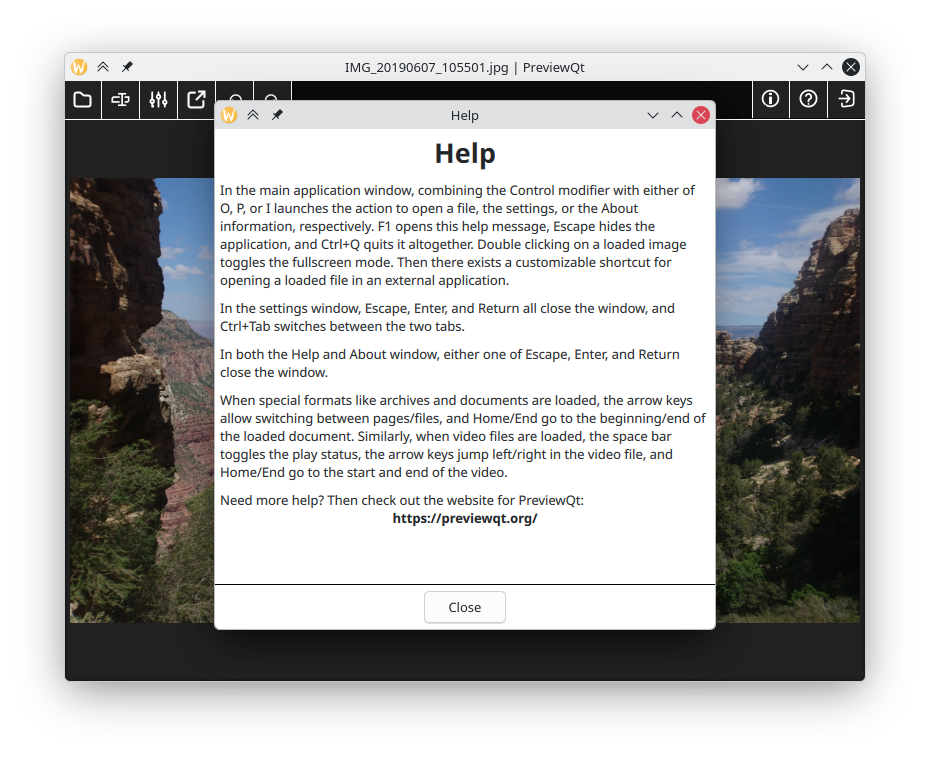
It is also possible to set up an external application for the categories of files. With a shortcut or button it is possible to pass a previewed file on to the provided external application for further processing.
Any file you encounter that is not yet supported by PreviewQt, please don't hesitate to get in touch. PreviewQt strives to one day support as many file types as possible.
If you are using KDE's Dolphin file manager, PreviewQt can be invoked by shortcut to load whichever file is currently highlighted to allow for previewing any file easily without having to set PreviewQt as default application. You can also pass files to PreviewQt by simply dropping them onto the application window, or by means of a remote application (small square) wth any file dropped on it passed on to PreviewQt. If you are running KDE Plasma 6, there is also a plasmoid that integrates nicely with your desktop.
If you like the overall concept of PreviewQt but would like to have more features, check out the fully featured image viewer PhotoQt, a sibling application to PreviewQt.
Companion applications
There are some companion application to PreviewQt:
- There is a remote control application (called
PreviewQtRemote), shipped as part of the PreviewQt source code, that is anothing but a small square that stays in the foreground and can be moved anywhere out of the way. Dropping any file on that square passes that file on to PreviewQt. - If you are running KDE Plasma 6, there is a plasmoid that itegrates nicely into your desktop. Dropping any file on that plasmoid shows an immediate preview with basic interaction. Double clicking that preview open PreviewQt for further handling.
Download and Install
PreviewQt can be installed in various ways. You can find a selection of them (Windows installer, Flatpak, etc.) listed on the website: https://previewqt.org/
Instructions of how to build PreviewQt from source can be found in the INSTALL file in the root of the source directory.
Contributing to PreviewQt
There are two easy ways you can contribute directly to PreviewQt:
- Join the translation team over on Crowdin. If your language is missing you can simply request it directly on Crowdin or send me an email/message and I will add it to the project.
- Give feedback about PreviewQt. To do so, send me an email or open an issue on GitLab.
If you want to support PreviewQt financially, please consider donating to the humanitarian relief in Ukraine instead, for example to the Ukrainian Red Cross.
Otherwise you can donate directly to PreviewQt through PayPal or Wise.
Screenshots
 {width=400px}
 {width=400px}
 {width=400px}
 {width=400px}
 {width=400px}
 {width=400px}
 {width=400px}
License
PreviewQt is released under the GPLv2 (or later) license.